
Chuck Yeager (memorial) Challenge 2021
-
Vicman, it looks like you've already figured it out because you posted more pictures. If it helps at all, my Panasonic camera has the aspect ratio settings, and I have set the picture size to fit on websites which is why all of my pictures are 640 x 480, but it has quick settings too and if my screen shows "Normal Picture" it is in the setting I selected. If I accidentally push a little red button (which is for some unknown reason located on the top of the camera right next to the shutter release button) it changes the quick setting to what it calls "Intelligent Auto" which makes the pictures too large to post and in fact too large to view on my 20 inch screen! When I discover that my picture was accidentally taken in "Intelligent Auto" because it's too big, I will open it in Microsoft Paint where I can reduce the size to 25% of the original size which is the web site acceptable size. This setting, however, can not be used if you're submitting a picture for the calendar. They need the bigger size to fit on the calendar.

-
@Simon_Templar said:
Funny, when reading through your post, it doesn't really sound as if your last two weeks with the Executive have been a lot of fun
Overall, I agree with your assessment of the Executive, except that I don't consider the file tip too sharp for its intended use (so this is a plus in my book) and that I consider the scissors' spring too weak (this is a minus). And I still cannot get around the fact that it doesn't have a cap lifter. Whenever I want to open a bottle, I cannot just reach into my pocket and casually lift the cap. This keeps bugging me, because in my normal life there are two things for which I just never bother to reach for a dedicated tool - neither at home nor outdoors - and that is cutting things (except food) and opening bottles.
To be honest, the one lesson this challenge has taught me is that there is just no room for a 74mm SAK in my life. If I couldn't go bigger, I would rather carry a competent 58mm SAK (such as my trusty Midnite Manager).
Sorry, my dear Executive, but it looks like this relationship is just not working out, despite my hopes to the contrary.
It's been fun taking pictures, and using the blades and scissors (so maybe the Ambassador would be a better choice, but then, why not go with a Signature or Manager?). And I've enjoyed everyone's pics and uses.
Both my Executives have sharp file points. They do an average cleaning job, though better than the screwdriver of the Manager, but they aggressively scrape the nail. Not a fan.
I am not bothered by the absence of openers, since I rarely use them on my Deluxe Tinker, though I do on occasion, and they are also decent screwdrivers. -
@Alan K. said:
Vicman, it looks like you've already figured it out because you posted more pictures. If it helps at all, my Panasonic camera has the aspect ratio settings, and I have set the picture size to fit on websites which is why all of my pictures are 640 x 480, but it has quick settings too and if my screen shows "Normal Picture" it is in the setting I selected. If I accidentally push a little red button (which is for some unknown reason located on the top of the camera right next to the shutter release button) it changes the quick setting to what it calls "Intelligent Auto" which makes the pictures too large to post and in fact too large to view on my 20 inch screen! When I discover that my picture was accidentally taken in "Intelligent Auto" because it's too big, I will open it in Microsoft Paint where I can reduce the size to 25% of the original size which is the web site acceptable size. This setting, however, can not be used if you're submitting a picture for the calendar. They need the bigger size to fit on the calendar.What Alan said.......

-
Day 14
No uses yet today. Decided to take a photo of the Executive with some flashlights.

-
@FolderBeholder said:
Day 14No uses yet today. Decided to take a photo of the Executive with some flashlights.
Nice pic and nice collection of flashlights FB!


-
@Alan K. said:
Vicman, it looks like you've already figured it out because you posted more pictures. If it helps at all, my Panasonic camera has the aspect ratio settings, and I have set the picture size to fit on websites which is why all of my pictures are 640 x 480,Thank you for the information Alan!
-
@Fireman said:
DAY 14 My long extension cord had taken some hits, so I shortened it a bit and replaced the plug. The Exec did not fail. What it could do, it did well. However, it needed some specialized reinforcements. It opened the package, removed screws, and cut the outside cord.
Nice use and nice pics Fireman!
-
@FolderBeholder said:
No uses yet today. Decided to take a photo of the Executive with some flashlights.It gets dark here early these days. I'm often taking Adventure Boy out in the evening or at night now. I've been EDCing this Fenix LD 02 for a couple of months and I can't say enough good things about it.
I love the clip: keeps it secure and handy in my pocket, but also can be clipped to the bill of a hat. Exceptionally bright for a single AAA light, and easy to change brightness settings (without resorting to a manual).
I've dropped it on concrete and rocks a couple of times....**** winces ****...and it comes up smiling.
Easily one of the most useful....maybe the most useful pocket light I've used.

-


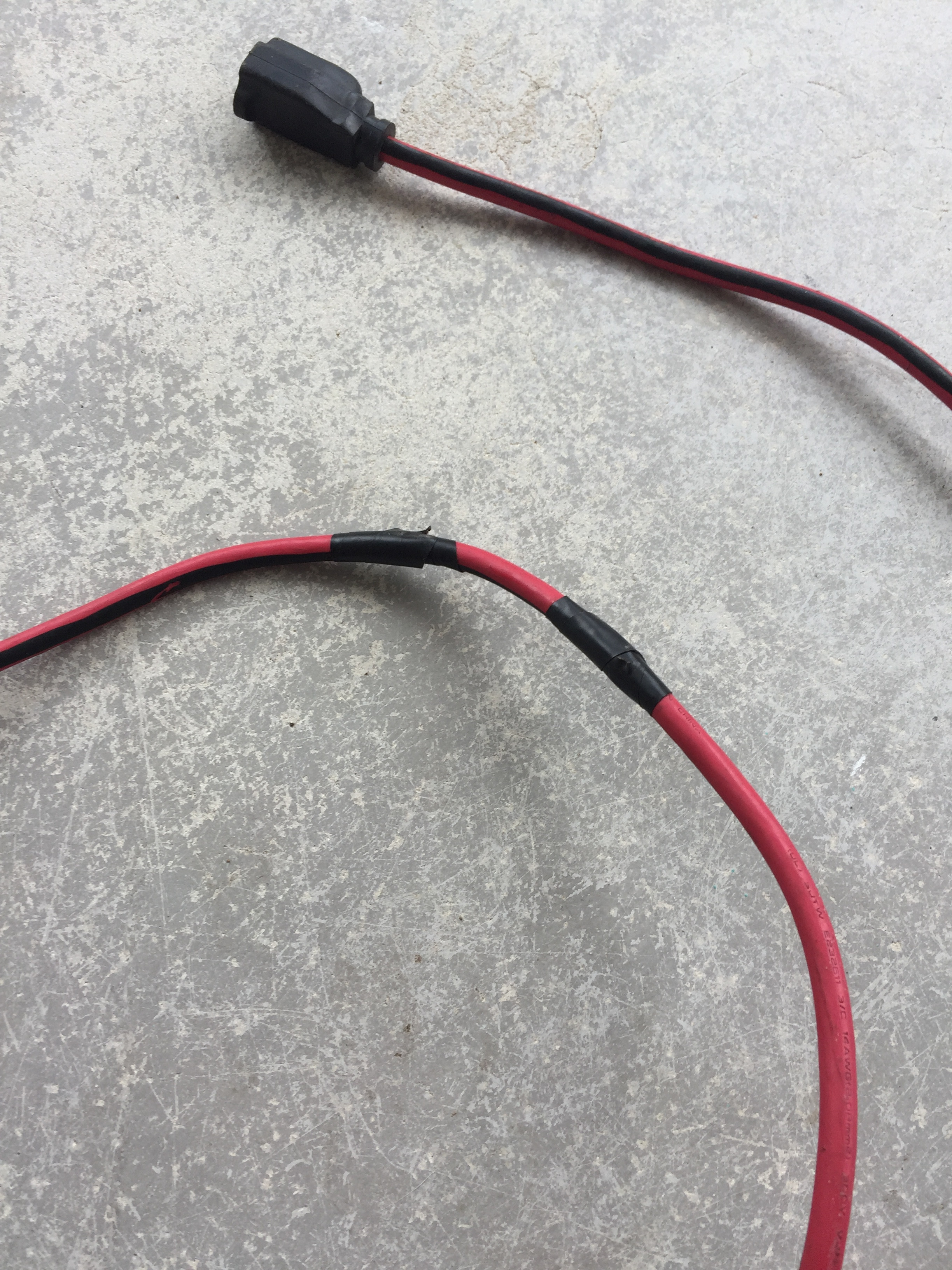
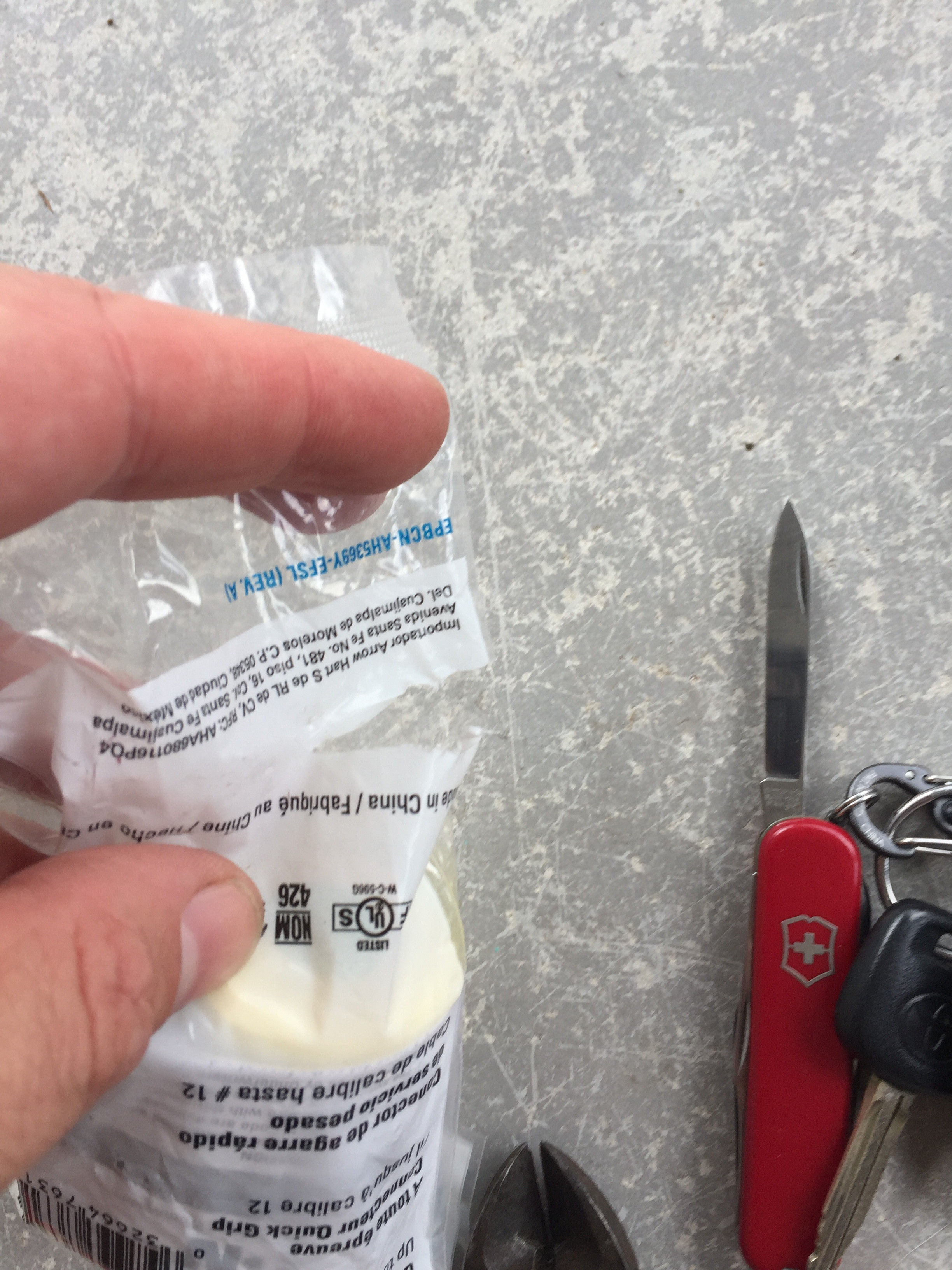
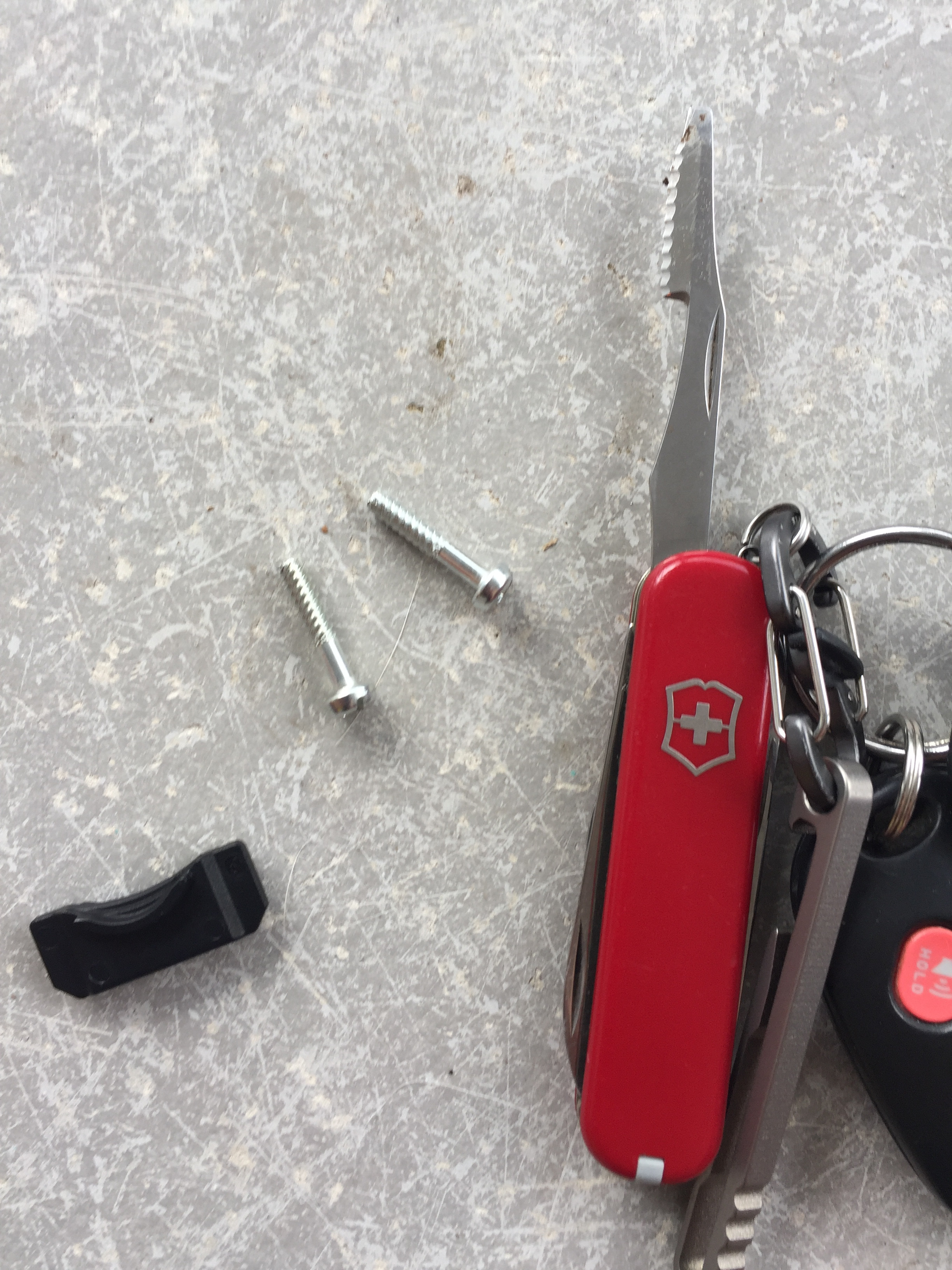
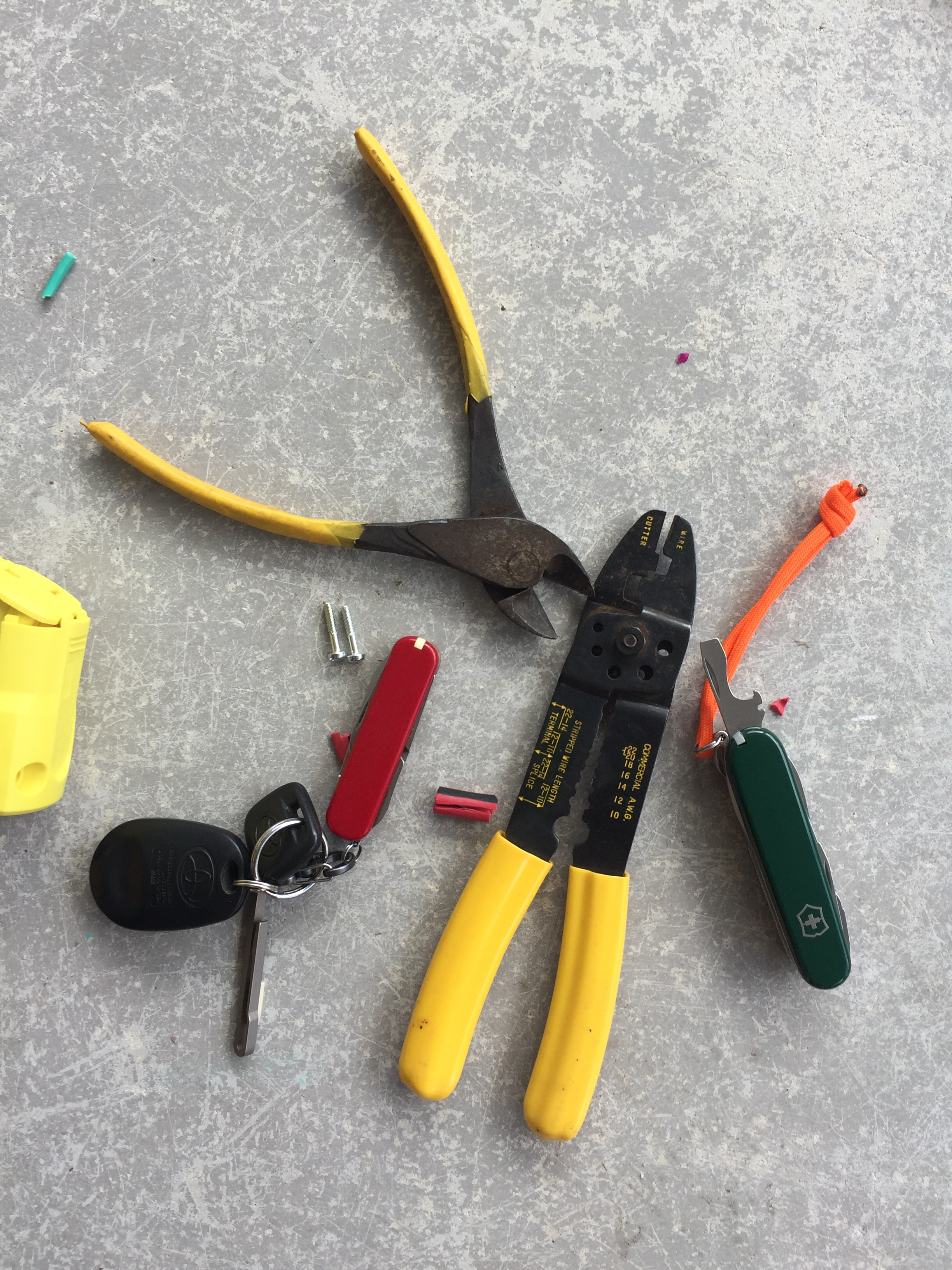


 At least it’s working again now!
Hello! It looks like you're interested in this conversation, but you don't have an account yet.
Getting fed up of having to scroll through the same posts each visit? When you register for an account, you'll always come back to exactly where you were before, and choose to be notified of new replies (either via email, or push notification). You'll also be able to save bookmarks and upvote posts to show your appreciation to other community members.
With your input, this post could be even better 💗
Register Login


