
Posting Pictures
-
Just noticed that when i posted pic on mobile, i didnt edit picture smaller it still did get smaller. Picture was orginally 3 MB but it got converted to 207 KB automaticly. Now i dont know does forum automaticly convert picture smaller or does my phone doing it when sending it.
Testing
[attach id=0 msg=2502269]
-
That picture was orginally 4.54MB but its now 347KB, now im bit confused how it does that. I havent yet tested on computer does it do same thing.
-
now on computer
[attach id=0 msg=2502271]
-
well it seems same result on computer, size was 4.3 MB and now its 347KB
-
I do believe that we have some auto resize on the forum. It doesn't always work but seems to most of the time

-
Test
[attach id=0 msg=2502284]

-
You can also share these on our new photo hosting site at GearFeed.Org, then use it to hotlink to the forum. :D
Borrowing this photo from MathMitch, just right click on the image, copy the image location and post it here with some image tags. It should look like this:
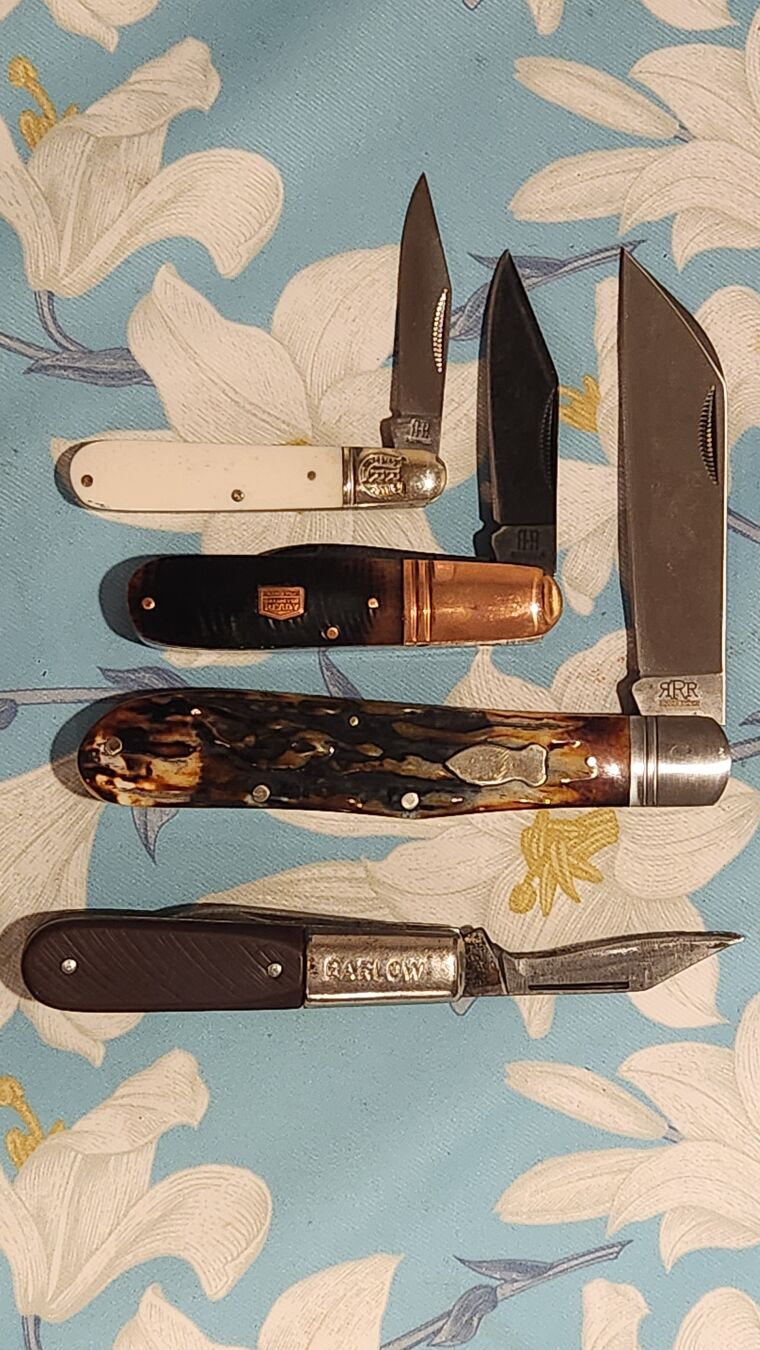Then you should get this:

Def
-
Test
[url][img] https://gearfeed.org/p/JonesE/1009204078372667509 [\img][\url]JonesE
-
Try it again without the URL tags or the little square brackets around them.
Def
-
Hmm, that didn't work...
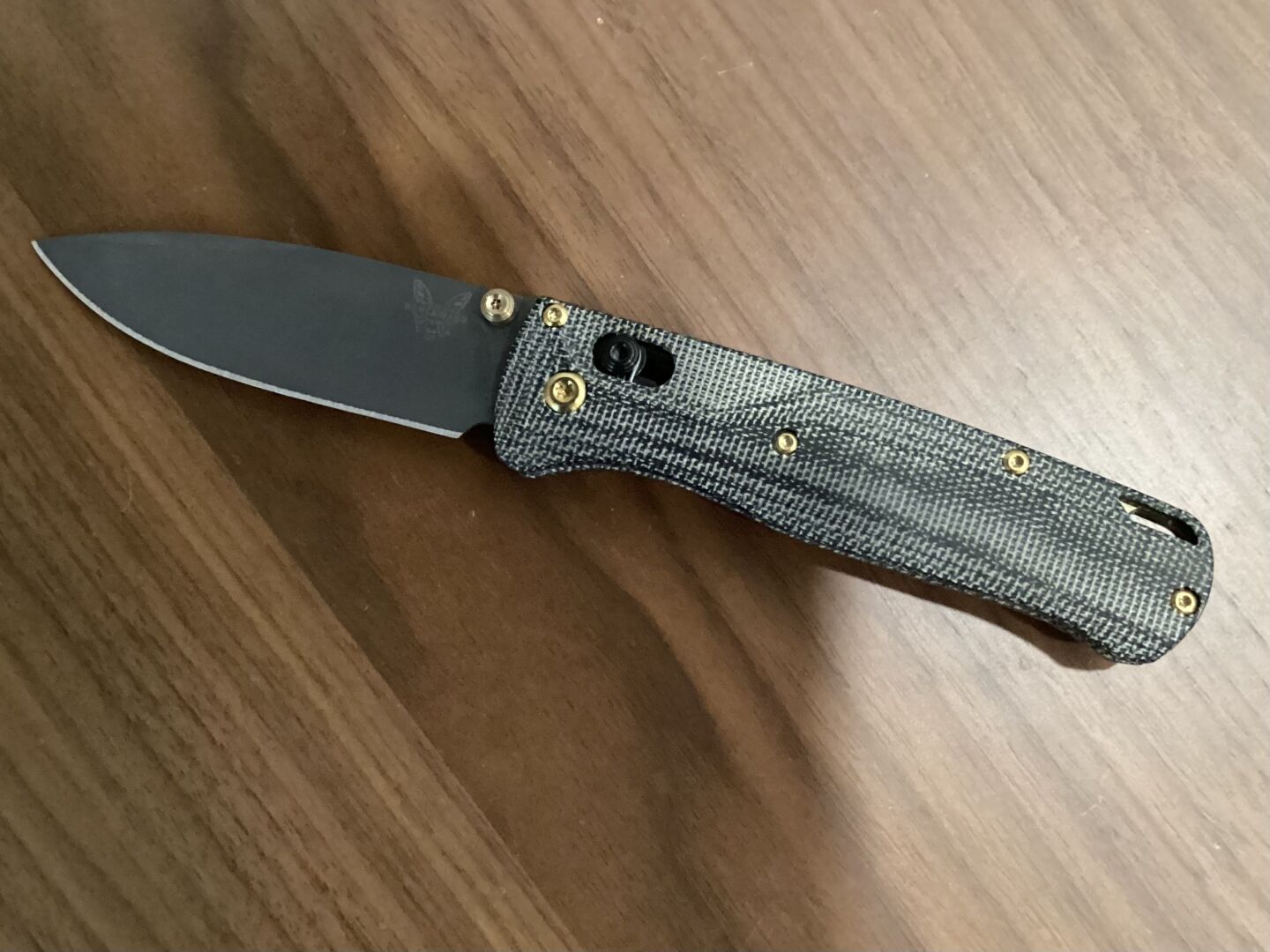
Ah, okay, wrong URL.
Much better. :D
Def
-
Also, once we get the new forum running, this will all be even easier. :D
I may even set it up so using certain hashtags or something will make them show up on the forum automatically. Apparently that's a feature if I can figure out how to make it work.....
Def
-
@Grant Lamontagne said:
Also, once we get the new forum running, this will all be even easier. :DI may even set it up so using certain hashtags or something will make them show up on the forum automatically. Apparently that's a feature if I can figure out how to make it work.....
Def
Let's not get carried away now :D
-
It's a lot of effort, particularly for someone who has t done any coding since the Apple IIc was cutting edge, but members are worth it. :D
Def








Hello! It looks like you're interested in this conversation, but you don't have an account yet.
Getting fed up of having to scroll through the same posts each visit? When you register for an account, you'll always come back to exactly where you were before, and choose to be notified of new replies (either via email, or push notification). You'll also be able to save bookmarks and upvote posts to show your appreciation to other community members.
With your input, this post could be even better 💗
Register Login


