
Skip to content
Collapse
? [[global:guest]]
Unread Recent
HOME SEARCH PROFILE MESSAGES 0 BOOKMARKS MEMBERS BADGES
Multitool.Org Forum
MultiTool.org • Community Header Space • Watch This Space

photos.

Scheduled Pinned Locked Moved Qs and (hopefully!) As
11 Posts 1 Posters 1.5k Views
  1. Home
  2. Site Use FAQ's
  3. Qs and (hopefully!) As
  4. photos.
photos.
  • Oldest to Newest
  • Newest to Oldest
  • Most Votes
Reply
  • Reply as topic
Log in to reply
This topic has been deleted. Only users with topic management privileges can see it.
  • captain spaulding Offline
    captain spaulding
    Posts: 20,793
    captain spaulding Offline
    captain spaulding
    wrote on last edited by
    #1 Quote Reply

      where are you linking the pictures from?

      1 Reply Last reply
      • cbl51 Offline
        cbl51
        Posts: 1,724
        cbl51 Offline
        cbl51
        wrote on last edited by
        #2 Quote Reply

          An account at Flicker.

          1 Reply Last reply
          • captain spaulding Offline
            captain spaulding
            Posts: 20,793
            captain spaulding Offline
            captain spaulding
            wrote on last edited by
            #3 Quote Reply

              Hmmm.... I don't use flicker so i'm not sure how you copy the URL, but it should all basically be the same.

              Just to double check you are just copying the img URL and pasting it into the tags right? Try right clicking the photo and finding the "copy img URL" selection and paste that into the img tags.

              I know on Photobucket it adds the tags automatically so no need to use the Mona Lisa button.

              I'm not real tech savvy so if you are doing exactly that and its not working someone else will have to help you. :salute:

              1 Reply Last reply
              • bmot Offline
                bmot
                Posts: 4,468
                bmot Offline
                bmot
                wrote on last edited by
                #4 Quote Reply

                  I'm not familiar with Flicker, but this is how you can paste in any picture from another website:

                  Right click on the pic ---> copy image URL

                  Then you paste that into your reply screen like this:
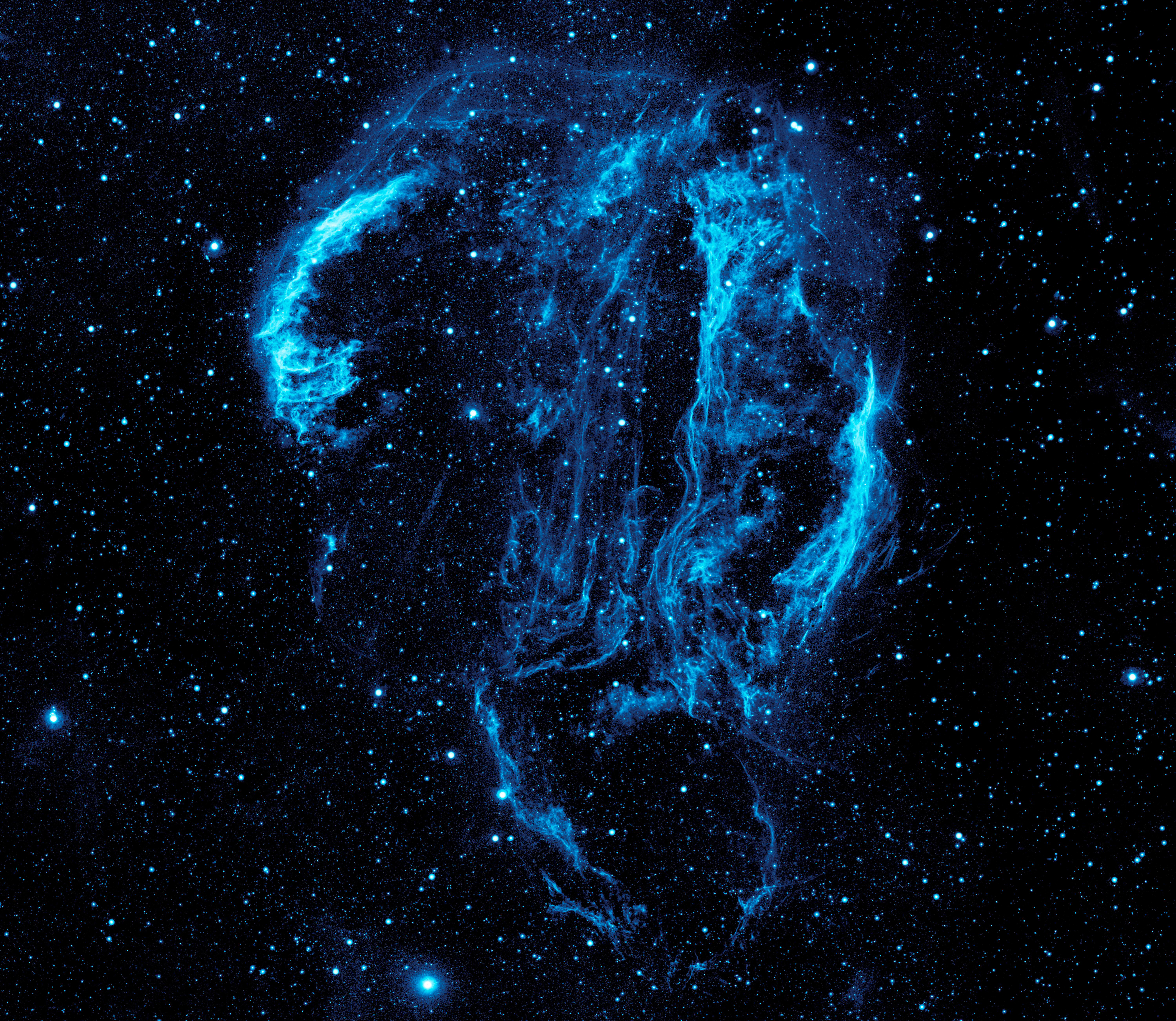
                  
                  ![](http://upload.wikimedia.org/wikipedia/commons/5/5b/Ultraviolet_image_of_the_Cygnus_Loop_Nebula_crop.jpg)


                  After that, you'll have your image:

                  So, if you see the text you copied in your reply screen, make sure it's between the "" brackets and everything should work out well.

                  Merit Badges
                  EDCSource Buyer Mod User Flashlight
                  1 Reply Last reply
                  • cbl51 Offline
                    cbl51
                    Posts: 1,724
                    cbl51 Offline
                    cbl51
                    wrote on last edited by
                    #5 Quote Reply

                      No, just not working for me. It's all between the image icons but it's not doing it. There must be some weird other something, because I don't have any problem posting pics on other forums, using the same method. This is very weird and getting more frustrating!!!!

                      Tried about 20 times now over the past few days, just not happening.

                      1 Reply Last reply
                      • JAfromMn Offline
                        JAfromMn
                        Posts: 6,689
                        JAfromMn Offline
                        JAfromMn
                        wrote on last edited by
                        #6 Quote Reply

                          Watch for extra spaces

                          try post your image here so we can see what you are doing.

                          Il try help

                          it took me awhile to get it down also.

                          1 Reply Last reply
                          • cbl51 Offline
                            cbl51
                            Posts: 1,724
                            cbl51 Offline
                            cbl51
                            wrote on last edited by
                            #7 Quote Reply

                              Test image.
                              [img]https://farm8.staticflickr.com/7343/12684668273_bf7512212a_c.jpg/img]

                              Yep, this is all that happens for me. Hit the mona lisa, put the image between he icons, and here we are.

                              ???

                              1 Reply Last reply
                              • cbl51 Offline
                                cbl51
                                Posts: 1,724
                                cbl51 Offline
                                cbl51
                                wrote on last edited by cbl51
                                #8 Quote Reply

                                  test.

                                  WHOA!!!

                                  I'm not sure what I did any different, except that I hit the space bar a few times to open up the space after the mona lisa button. JEEZ! I don't know wether to feel elated or dumb!

                                  I'll have to see it this works again.

                                  1 Reply Last reply
                                  • Whoey Offline
                                    Whoey
                                    administrators
                                    Posts: 12,658
                                    Whoey Offline
                                    Whoey
                                    administrators
                                    wrote on last edited by Whoey
                                    #9 Quote Reply

                                      You were missing the closing bracket

                                      ![](https://farm8.staticflickr.com/7343/12684668273_bf7512212a_c.jpg/img]
                                      

                                      vs

                                      [img]https://farm8.staticflickr.com/7343/12684668273_bf7512212a_c.jpg)
                                      

                                      which yields:

                                      basically copy the full link for an image, paste in the post, select the entire link and press the image button in the toolbar. That's all you should need to do.

                                      The difficult we do immediately, the impossible takes a little longer.

                                      Merit Badges
                                      Time Lord Level 3
                                      1 Reply Last reply
                                      • zoidberg Offline
                                        zoidberg
                                        Posts: 38,161
                                        zoidberg Offline
                                        zoidberg
                                        wrote on last edited by
                                        #10 Quote Reply

                                          On Flickr there is a bbcode option under share, just copy and paste that, nothing else required.
                                          Although I do delete the second line which is a link back to Flickr as clicking the pic does the same thing.

                                          1 Reply Last reply

                                          Hello! It looks like you're interested in this conversation, but you don't have an account yet.

                                          Getting fed up of having to scroll through the same posts each visit? When you register for an account, you'll always come back to exactly where you were before, and choose to be notified of new replies (either via email, or push notification). You'll also be able to save bookmarks and upvote posts to show your appreciation to other community members.

                                          With your input, this post could be even better 💗

                                          Register Login


                                          1. Home
                                          2. Site Use FAQ's
                                          3. Qs and (hopefully!) As
                                          4. photos.
                                          Reply
                                          • Reply as topic
                                          Log in to reply
                                          COMMUNITY LINKS
                                          EDC-TV SAKWiki GearFeed SAKSelector
                                          Operational Funds

                                          Help us keep the Unworkable working!

                                          Make A Donation
                                          November Goal: $300.00
                                          Due Date: Nov 30
                                          Total Receipts: $0.00
                                          Below Goal: $300.00
                                          0% funded
                                          • Login

                                          • Don't have an account? Register

                                          • Login or register to search.
                                          • First post
                                            Last post
                                          0


